
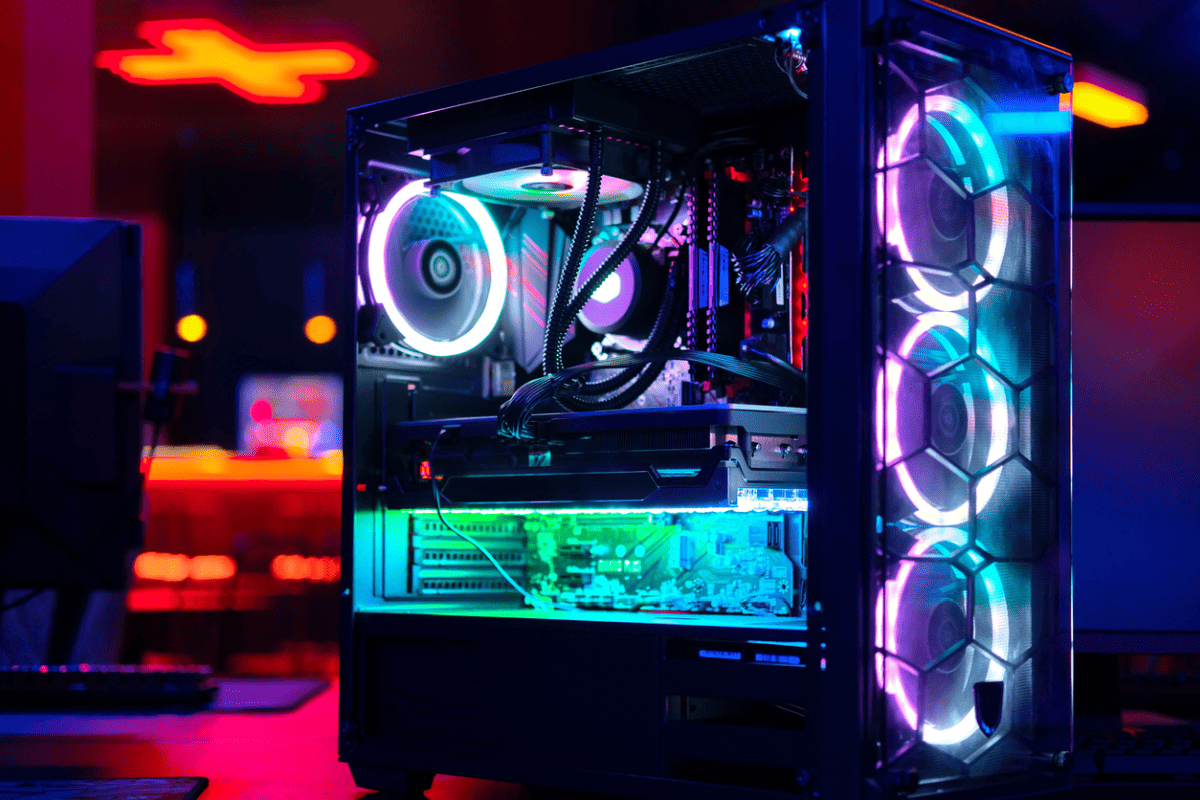
Building the perfect gaming PC in 2025 isn't just about throwing money at the most expensive components. It's about understanding your needs, balancing performance with budget, and future-proofing your investment. Whether you're targeting 1080p esports domination, 4K cinematic experiences, or content creation alongside gaming, this comprehensive guide will help you build the ultimate rig tailored to your specific requirements.
Understanding Your Gaming Goals
Before diving into component selection, it's crucial to define what "ultimate" means for your specific use case. Gaming performance requirements vary dramatically based on your target resolution, frame rate, and the types of games you play.
Entry Enthusiast
Mid-Tier Master
High-End Hero
Extreme Enthusiast
2025 Component Landscape
The hardware landscape in 2025 offers unprecedented performance and efficiency. New CPU architectures, advanced GPUs, and faster storage solutions have shifted the price-to-performance equation significantly.
CPU Market Overview
2025 sees fierce competition between Intel's 15th generation and AMD's Zen 5 architecture. Both offer excellent gaming performance, but with different strengths:
- Intel 15th Gen: Superior single-threaded performance, better for high-refresh rate gaming
- AMD Zen 5: Excellent multi-threaded performance, better value for content creation
- Power Efficiency: Both architectures offer significant improvements in performance per watt
- Platform Longevity: AMD AM5 and Intel LGA1851 both support DDR5 and PCIe 5.0
GPU Revolution
NVIDIA's RTX 50 series and AMD's RX 8000 series represent the biggest generational leap in recent years:
- Performance Gains: 40-60% improvement over previous generation
- Ray Tracing: Now viable at 1440p and above with improved RT cores
- DLSS 4 & FSR 4: AI upscaling that's virtually indistinguishable from native rendering
- Memory: 16GB+ becomes standard for high-end cards
Ultimate Build Configurations
Here are four carefully crafted build configurations, each optimized for different performance targets and budgets:
Entry Enthusiast Build
Performance Target: 1080p 144fps in competitive games, 1080p 60-90fps in AAA titles with high settings.
Mid-Tier Master Build
Performance Target: 1440p 120-144fps in esports, 1440p 60-100fps in AAA titles with ray tracing enabled.
High-End Hero Build
Performance Target: 4K 60-90fps in all games with maximum settings and ray tracing. Excellent for content creation and streaming.
Extreme Enthusiast Build
Performance Target: 4K 120fps+ in all games, 8K gaming capability, professional content creation workstation.
Component Deep Dive
CPU Selection Strategy
Choosing the right CPU in 2025 depends heavily on your specific workload beyond gaming:
Gaming-Focused CPUs
GPU Considerations
Graphics cards in 2025 offer more VRAM and significantly improved ray tracing performance. Key considerations include:
- VRAM Requirements: 12GB minimum for 1440p gaming, 16GB+ for 4K
- Ray Tracing: Now practical at high resolutions with DLSS 4/FSR 4
- Power Efficiency: New architectures offer 40% better performance per watt
- Content Creation: AV1 encoding becomes standard for streaming
Memory and Storage Evolution
DDR5 has matured significantly, offering better value and performance than early generations:
- Sweet Spot: DDR5-6400 CL30 offers the best price-to-performance ratio
- Capacity: 32GB becomes the new standard for enthusiast builds
- PCIe 5.0 SSDs: Worth the premium for content creators and enthusiasts
- DirectStorage: Fast NVMe storage reduces loading times dramatically
Power and Cooling Solutions
Modern components are more efficient but also more powerful, requiring thoughtful cooling and power solutions:
PSU Sizing Guide
| GPU Tier | Recommended PSU | Efficiency Rating | Modular |
|---|---|---|---|
| RTX 5060 Ti | 650W | 80+ Gold | Optional |
| RTX 5070 Super | 750W | 80+ Gold | Recommended |
| RTX 5080 | 850W | 80+ Platinum | Recommended |
| RTX 5090 | 1000W | 80+ Titanium | Essential |
RTX 5060 Ti
RTX 5070 Super
RTX 5080
RTX 5090
Cooling Strategy
Effective cooling extends component lifespan and maintains peak performance:
- Air Cooling: Sufficient for most builds, quieter operation, lower maintenance
- 240mm AIO: Better aesthetics, good performance for mid-range CPUs
- 360mm AIO: Necessary for high-end CPUs under sustained loads
- Custom Loops: Maximum performance and aesthetics, requires maintenance
Essential Tools and Setup
Having the right tools makes building a PC safer, faster, and more enjoyable:
Phillips head #1 and #2, magnetic tips prevent dropped screws
Protects components from electrostatic discharge damage
High-quality thermal compound for optimal heat transfer
Velcro straps and zip ties for clean cable management
Assembly Best Practices
Follow these steps for a smooth building experience:
Pre-Build Preparation
- Workspace Setup: Clean, well-lit area with anti-static precautions
- Component Inspection: Verify all parts are present and undamaged
- Documentation: Have motherboard manual and component guides ready
- Test Components: POST test outside the case first
Assembly Order
- Install CPU and RAM on motherboard outside the case
- Install motherboard standoffs in case
- Mount power supply with fan facing down if case allows
- Install motherboard I/O shield and motherboard
- Connect power cables before installing GPU
- Install storage drives and connect SATA/NVMe
- Install GPU last to avoid interference
- Connect front panel headers carefully using motherboard diagram
Final Checklist Before First Boot
Post-Build Optimization
Building the PC is just the beginning. Proper setup and optimization unlock your system's full potential:
BIOS/UEFI Configuration
- Enable XMP/DOCP: Activate RAM's rated speeds and timings
- Update BIOS: Ensure compatibility with latest CPUs and features
- Enable Resizable BAR: Improves GPU performance in supported games
- Configure Fan Curves: Balance cooling performance with noise levels
Windows Setup and Drivers
- Clean Windows Installation: Fresh install recommended for new builds
- Chipset Drivers: Install motherboard chipset drivers first
- GPU Drivers: Latest drivers from NVIDIA or AMD
- Gaming Software: Steam, Epic Games Store, and game launchers
Performance Testing and Monitoring
Verify your system's stability and performance with these tools:
- 3DMark: GPU performance benchmarking
- Cinebench: CPU performance and stability testing
- MemTest86: RAM stability verification
- HWiNFO64: Comprehensive system monitoring
- MSI Afterburner: GPU overclocking and monitoring
Troubleshooting Common Issues
Even experienced builders encounter issues. Here are solutions to common problems:
No Display/No POST
- Verify monitor connected to GPU, not motherboard
- Reseat RAM modules, try one stick at a time
- Clear CMOS/UEFI settings
- Check all power connections
- Test with known-good components
Performance Issues
- Verify RAM is running at rated speeds (XMP/DOCP enabled)
- Check GPU drivers are up to date
- Monitor temperatures for thermal throttling
- Ensure adequate power supply capacity
- Check for background applications consuming resources
Future-Proofing Strategies
Building for longevity requires strategic component selection and upgrade planning:
Platform Longevity
- Socket Life: AMD AM5 and Intel LGA1851 will support multiple CPU generations
- PCIe 5.0: Ensures compatibility with future GPUs and storage
- DDR5 Support: Memory standard for the next 5-7 years
- USB4/Thunderbolt 4: Future connectivity standards
Upgrade Path Planning
- PSU Headroom: Size PSU for potential GPU upgrades
- Case Clearance: Ensure case supports larger future components
- Cooling Capacity: Adequate cooling for higher-power future CPUs
- Storage Expansion: Plan for additional drives and larger capacities
Budget Optimization Tips
Maximize performance per dollar with these strategic choices:
Where to Spend
- GPU: Biggest impact on gaming performance, allocate 40-50% of budget
- CPU: Balance with GPU choice, avoid bottlenecks
- PSU: Quality matters more than wattage, buy from reputable brands
- Motherboard: Buy features you'll actually use
Where to Save
- Case: Functionality over aesthetics for budget builds
- Storage: Start with 1TB, add more drives later
- RAM: 32GB is luxury for most gamers, 16GB still sufficient
- Cooling: Good air cooling beats cheap liquid cooling
Conclusion
Building the ultimate gaming rig in 2025 requires balancing cutting-edge performance with practical considerations like budget, future upgrade paths, and actual gaming needs. The component landscape offers incredible performance at every price point, making it easier than ever to build a system that will provide years of exceptional gaming experiences.
Remember that the "ultimate" rig is ultimately the one that perfectly matches your specific needs, budget, and performance goals. Whether you're targeting competitive esports gaming, cinematic 4K experiences, or content creation alongside gaming, the foundation laid out in this guide will help you make informed decisions and build a system you'll be proud to call your own.
Take your time with the build process, don't rush compatibility checks, and most importantly—enjoy the journey. Building a PC is one of the most rewarding experiences in the tech enthusiast world, and the satisfaction of powering on your custom rig for the first time is unmatched.